Automatic part numbers. Complete revision history.
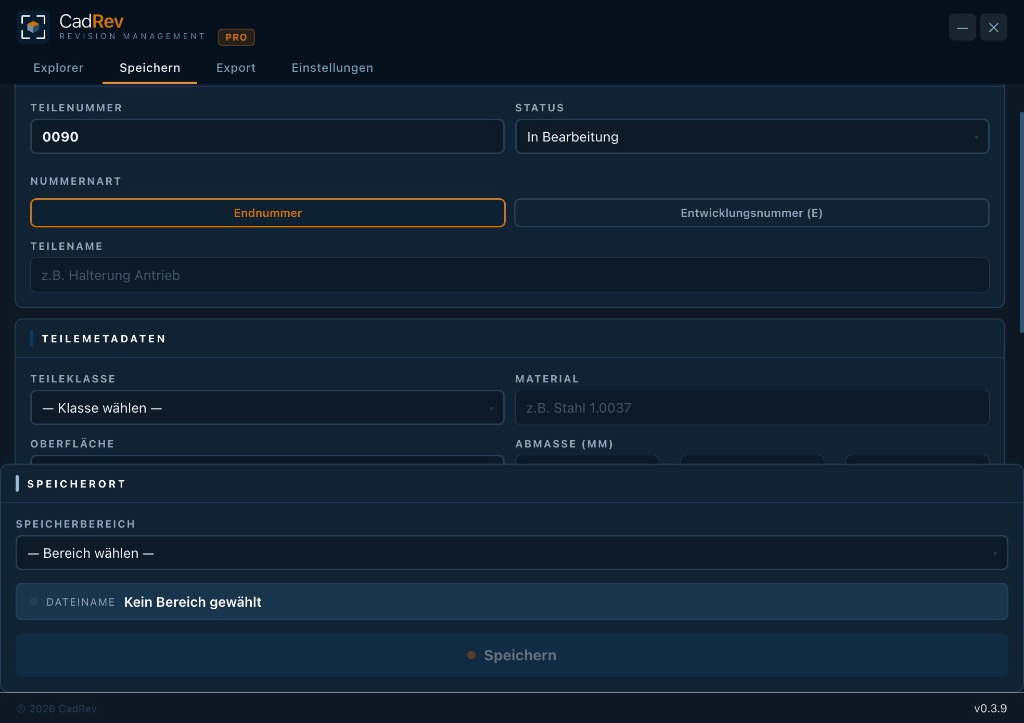
CadRev automatically assigns the next available part number when a part is created — no manual counting, no duplicates. Prototypes receive E-numbers and can be converted on release.
- Automatic part numbers from a configurable range (e.g. 0089)
- E-numbers for prototypes & experimental parts (e.g. E-0042)
- Revision history with reason for change at every new revision
- Filter by status, type, material and area
- 3D preview and sorting directly in the Explorer

All information directly on the part — including purchased parts.
Material, manufacturing process, supplier, order number, datasheet link — structured, searchable and written directly into CAD file properties. Not hidden in the filename, but exactly where it belongs.
8 export formats. Batch at the click of a button.
STEP, IGES, STL, 3MF, OBJ, F3D, SAT, SMT — in bulk with standardised names. Every file follows the scheme [Nummer]_[Name]_[Rev].format. No searching, no renaming — vendor-ready delivery folders at the click of a button.
- Formats: STEP · IGES · STL · 3MF · OBJ · F3D · SAT · SMT
- Standardised naming: number, name and revision in the filename
- Multiple parts or entire assemblies in a single pass
- Every export logged with revision, format and timestamp
- Vendor-ready delivery folders including manufacturing information

Adapts to your workflow.
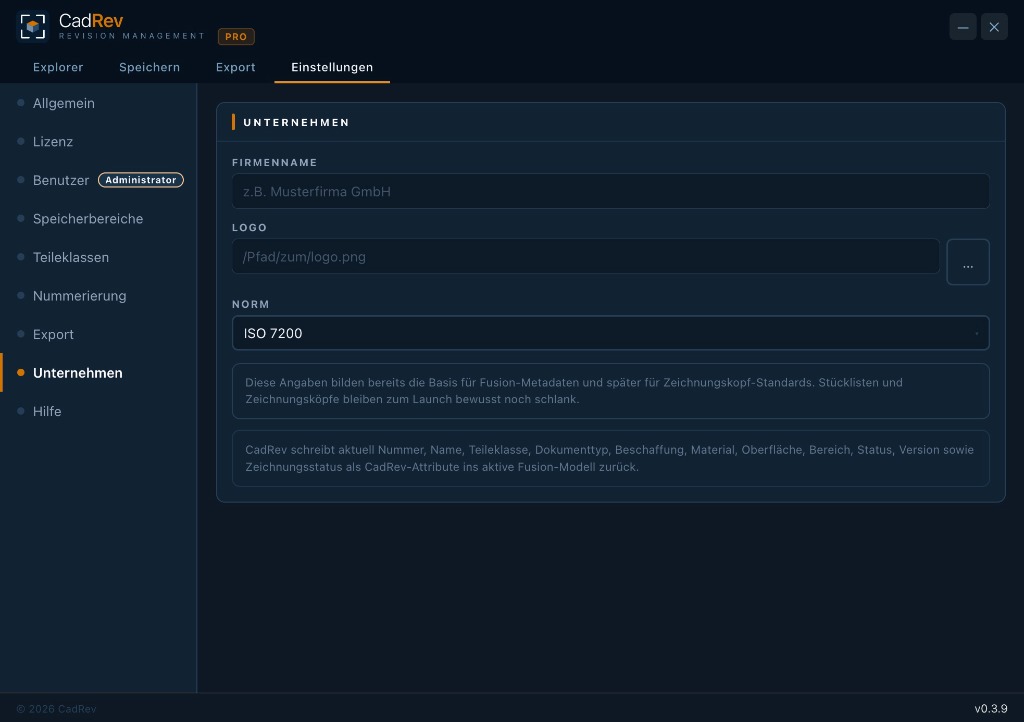
Areas, numbering ranges, part classes — CadRev adapts fully to your daily workflow. Configure once, benefit permanently.
- Define areas freely: Project, Development, Library
- Numbering ranges and prefixes are configurable
- User management with roles (Administrator / Standard)
- Language: German / English · Theme: Light / Dark
Conflict-free teamwork.
When you work on a file, it is automatically reserved for other team members. No more overwrite conflicts on network drives or cloud storage.
- Automatic or manual part locking during editing
- Real-time status: colleagues immediately see who reserved the part
- Write-protection for other users until reservation is released
- Admin overrides to release locked files in emergencies
Every revision, one click away.
The Time Travel timeline displays all saved revision states of a part as a horizontal timeline — right inside the Explorer. Click any earlier state and open it as a read-only copy in Fusion 360.
- Horizontal timeline with color-coded dots per revision and status
- Hover tooltip shows preview image, date, and release status
- Open any earlier revision directly as a read-only copy in Fusion 360
- Full timeline for Pro & Team — Free plan shows up to 5 versions
Revision history
Every change is traceable. Who changed what, when and why.
Export log
Complete log of all exports with revision, format and target file.
Offline-capable
No internet required. Local SQLite database — always available.
Multi-User (Team) Now available
Shared library, clear roles and secure part reservation for engineering teams.
Status Lifecycle
In Progress → Released (write-protected) → Obsolete/Replaced. Clear lifecycle — incl. successor reference.
Fusion 360 Native
No external workflow. CadRev runs directly as an add-in inside Fusion 360.